
Free Graphing Calculator Online
Free to use • No download • Works in browser
We know it is frustrating when you can’t see graphs and functions to solve math equations. It’s a common problem that many students, teachers, and engineers face in their work. This is where a graphing calculator online offers an easy and smart solution. The graphing calculator online provides multiple graphs at the same time, which helps users to solve their complex equations quickly. Try our free graphing tool now and make math simpler to understand.
What is Graphing Calculator Online?
A Graphing Calculator Online is a web-based tool that is widely used to help users draw graphs, solve equations, and understand mathematical functions easily. First graphing calculator was introduced in the 1980s by companies like Desmos and Texas Instruments. A graph calculator solves complex problems like linear and quadratic equations, analyzes curves, and performs scientific calculations more easily and quickly. It also allows users to compare multiple functions, create tables, and draw 2D and 3D graphs directly in the browser without signing in. This online calculator also includes a zooming feature and real-time graph updates for more accurate results.
How to Use the Graphing Calculator Online
Follow the simple steps below to use the online free calculator and create graphs, solve equations, and analyze functions easily.
- Enter your equation: Simply type your equation in the input box (for example: y = 2x + 3 or y = cos(x)).
- The graph is plotted instantly: when you enter your function, the graph is plotted instantly on the screen in real time, allowing you to visually see and understand your equation without any delay or extra steps.
- Zoom in: You can easily zoom in, zoom out, or move around the graph to explore different sections more clearly and get a better understanding of your equation from every angle.
- Add multiple equations: Simply enter more than one function at a time and view them all on a single screen, which helps you clearly understand how various functions behave and where they meet each other.
- Analyze curves, intersections: With instant visual representation, you can closely study the shape of curves, find where functions cross each other, and better understand the overall behavior of any graph in just seconds.
- Generate Tables and Solve Problems: Quickly generate value tables and solve complex math problems without any lengthy manual calculations in just seconds.
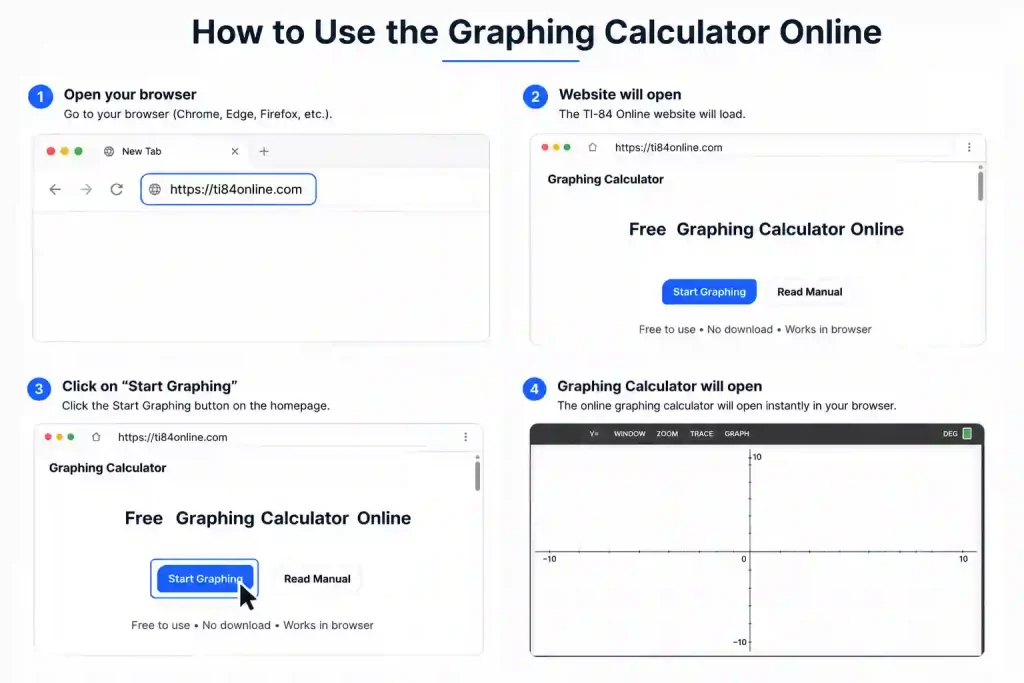
Use the calculator smoothly on phones, tablets, and desktop devices without installing software.
Benefits of Using an Online TI Graphing Calculator
This online simulator helps students solve math problems, draw graphs, and compare equations. Unlike old handheld calculators, online tools are easier to access, simple to use, and work on almost every device without installation.
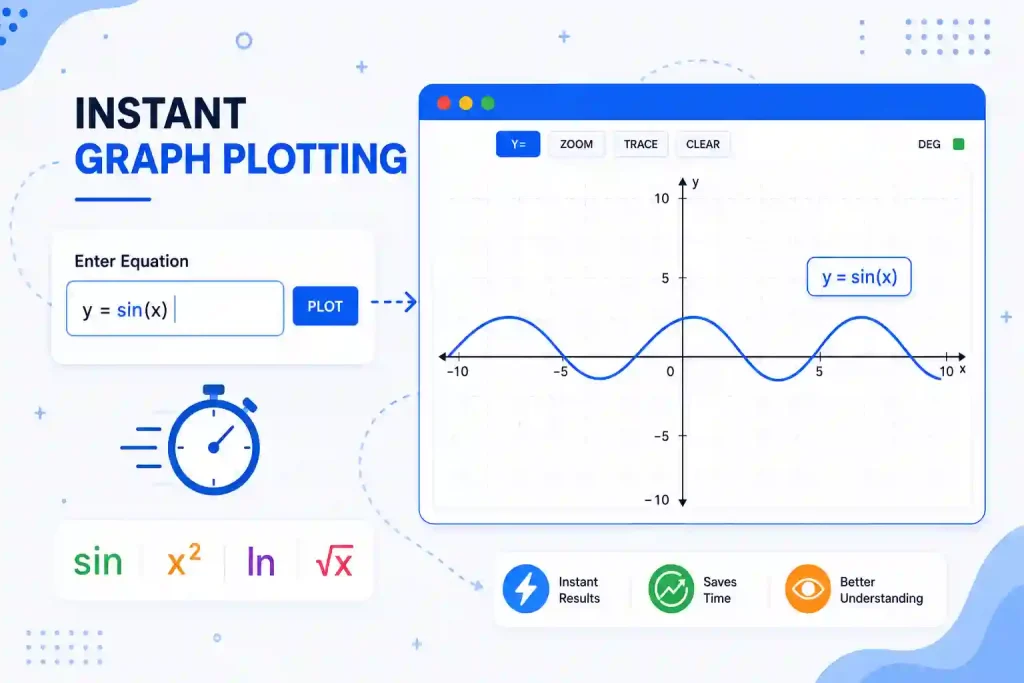
Instant Graph Plotting
Users only need to enter an equation, and the graph appears immediately on the screen. This saves time and helps students understand functions more clearly.
Supports Multiple Equations
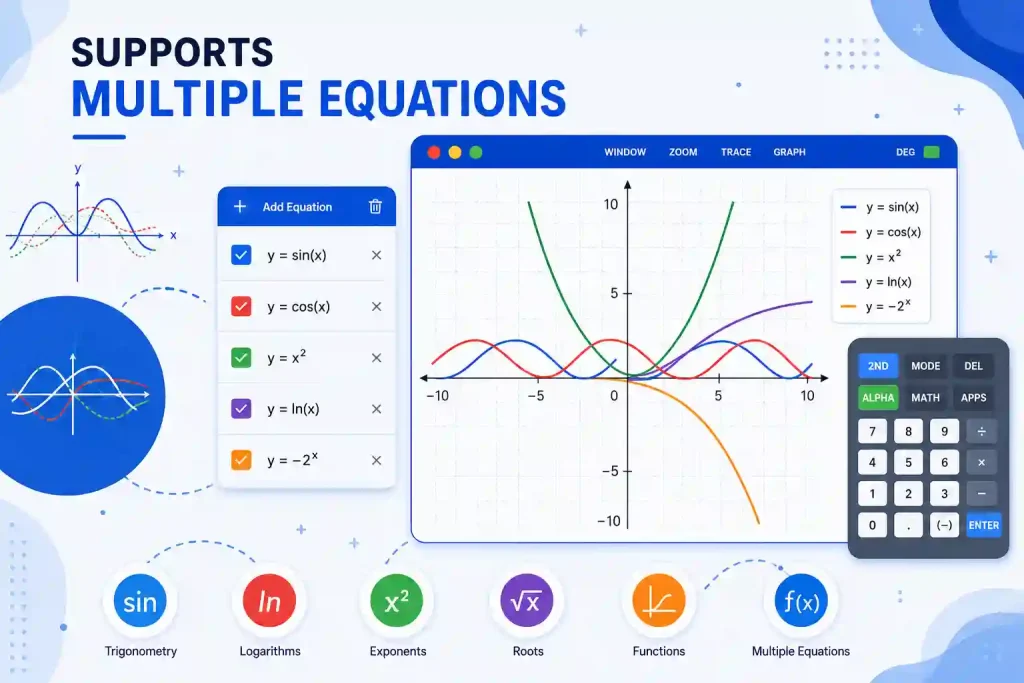
Users can enter multiple equations at the same time to compare graphs and analyze differences between functions more easily.
Advanced Scientific Functions
Online graphing calculators support trigonometry, logarithms, exponents, and many other mathematical functions useful for algebra, calculus, and statistics.

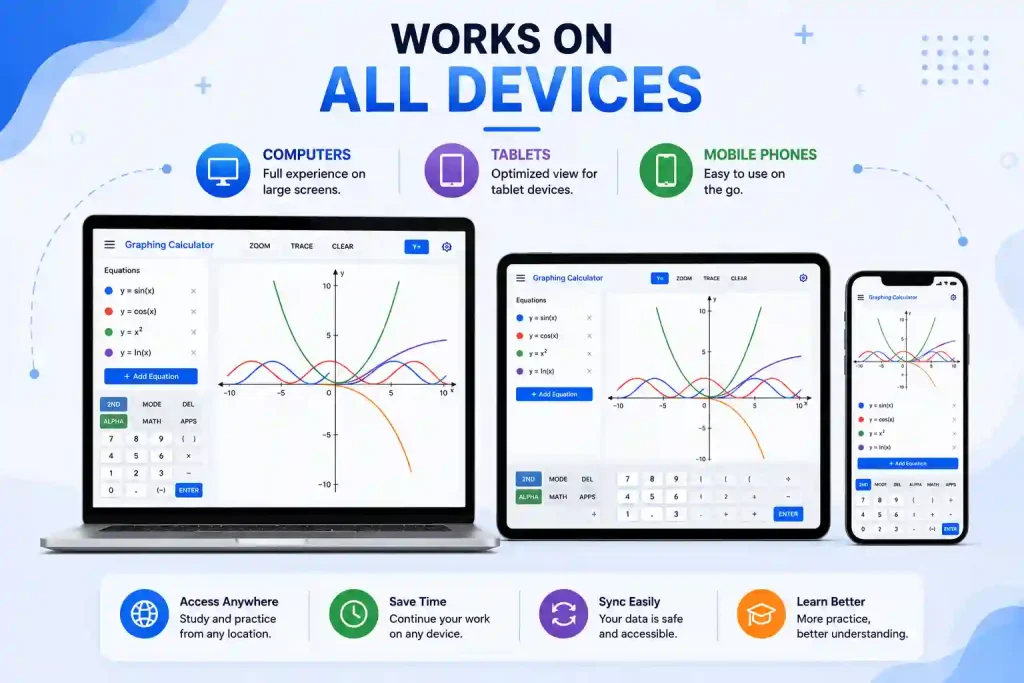
Works on All Devices
The calculator can be used on computers, tablets, and mobile phones. This allows students to study and practice from anywhere.
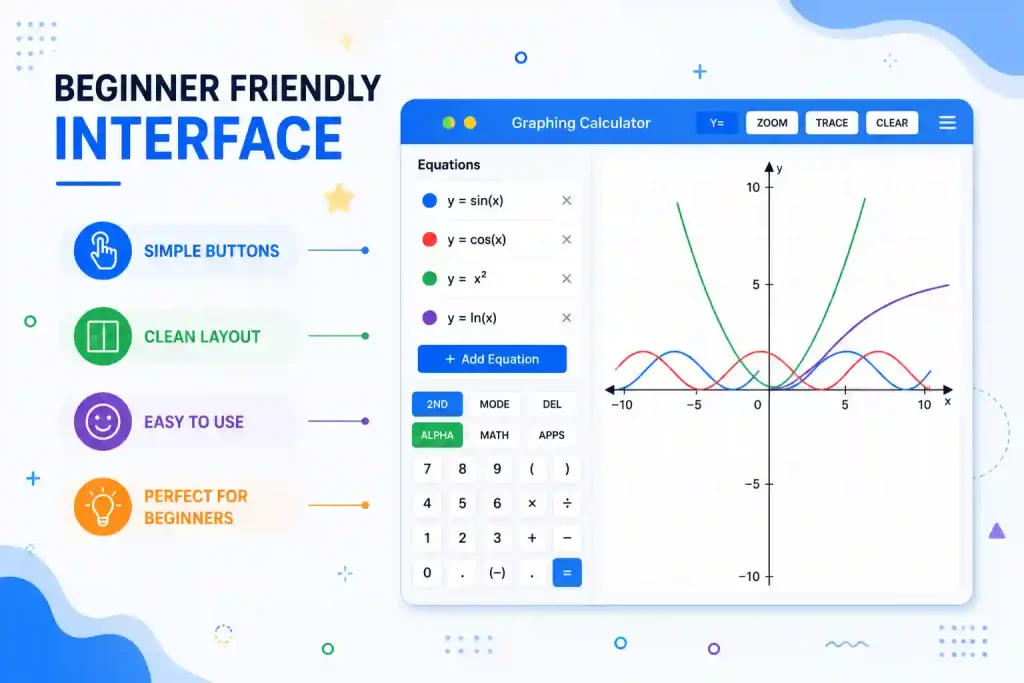
Beginner Friendly Interface
Most online graphing calculators are designed with simple buttons and clean layouts. This makes them easier for beginners to learn and use during homework or practice.
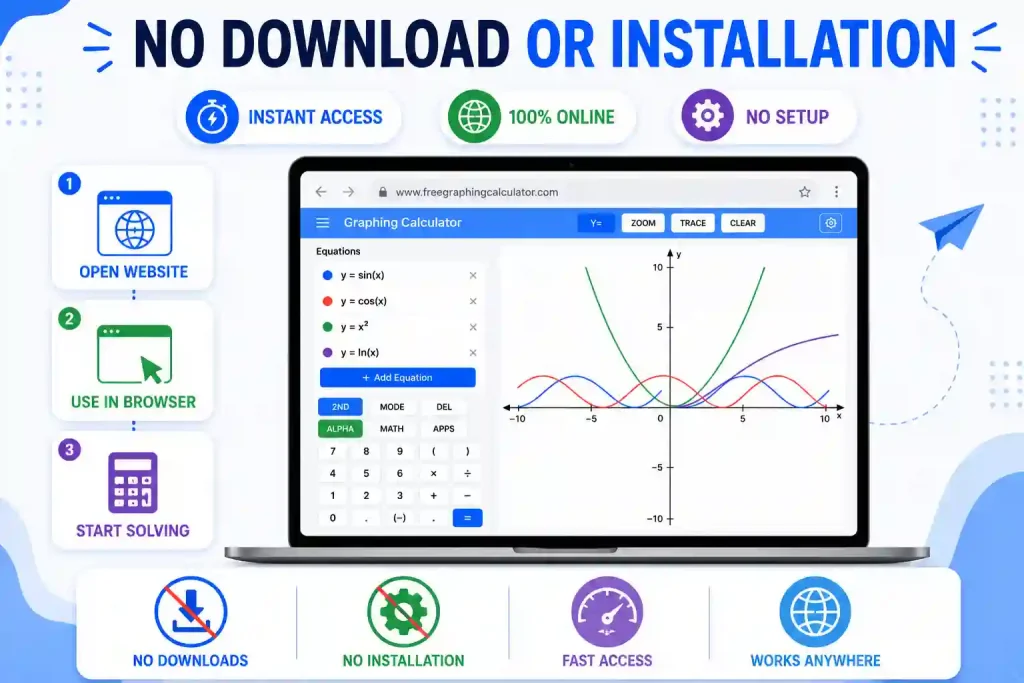
No Download or Installation
You can use the graphing calculator instantly without downloading or installing any application on your device; just open our free tool website and start solving problems.
Comparison: TI-84, Casio, and Online Graphing Calculator
Choosing the right graphing calculator can make math practice faster and easier. While TI-84 and Casio calculators are popular for classroom use, many students now prefer online graphing calculators because they are free, quick to access, and work on every device. You can also explore the TI 30XS Multiview Calculator for everyday scientific calculations and student practice.
| Feature | TI-84 Calculator | Casio Calculator | Online Graphing Calculator |
| Cost | Expensive | Moderate/Medium | Free to use |
| Accessibility | Requires physical purchase | Requires physical purchase | Works directly in the browser |
| Setup | Manual setup needed | Manual setup needed | Instant access without download |
| Graph Speed | Fast | Fast | Instant graph plotting |
| Device Support | Single device only | Single device only | Works on phones, tablets, and computers |
| Advanced Functions | Yes | Yes | Yes |
This scientific graphing calculator helps students to solve and practice math easily without carrying a physical calculator.
Who Can Use an Online Graphing Calculator?
This free calculator tool is useful for many different users, such as students and professionals. It helps people solve equations, understand graphs, and visualize mathematical functions more easily.
Students
Students can use the calculator for algebra, calculus, geometry, and trigonometry practice. It helps them understand equations by showing graphs visually on the screen.

Teachers
Teachers can explain mathematical concepts, functions, and graph behavior more clearly during classroom lessons and online learning sessions.

Engineers and Researchers
Engineers and technical users can analyze equations, compare graphs, and study data more efficiently during calculations and problem-solving tasks.

Everyday Users
Anyone who needs quick graph plotting or simple math visualization can use this calculator directly from the browser without installing software.

Try your Graphing Calculator online Today
This digital calculator helps users plot equations, understand graph behavior, and solve math problems more easily. It provides a smooth and beginner-friendly experience from any web browser. You can also explore TI 84 Plus CE for advanced graphing, scientific, and statistical features in one powerful tool.
Frequently Asked Questions
Conclusion
The graphing calculator online provides a simple and interactive way to visualize equations, explore functions, and solve math problems more efficiently. The calculator offers a fast and beginner-friendly experience in any browser without requiring downloads or installations. This graphing calculator is designed for students, teachers, and everyday users. It works smoothly on every device for flexible learning anywhere.