TI-84 vs TI-83 Calculator: Which One Is Better for Students?
Choosing a graphing calculator sounds simple at first. Then you see two models that look close, and the choice gets harder.
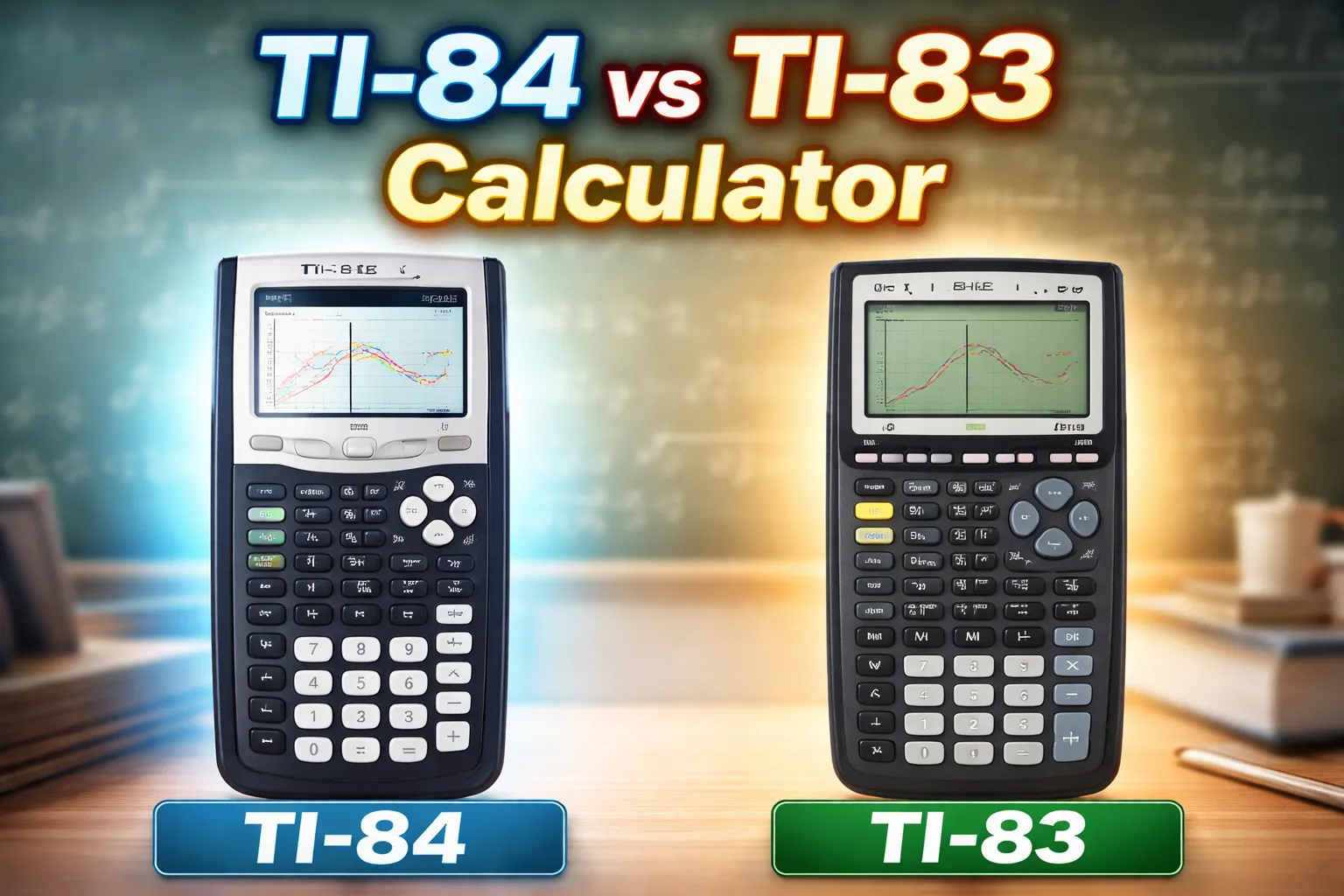
That is what happens with TI-84 vs TI-83 Calculator. Both are well-known school calculators, but they are not the same. One is older and more basic. The other gives students more speed and more tools.
Introduction
If you are trying to choose between a TI-84 calculator and a TI-83 calculator, you are probably asking a very normal question: which calculator is better for students? The answer depends on your class level, your budget, and how long you want the calculator to last.
This guide gives you a clear TI-84 vs TI-83 comparison in very simple English. We will look at what each calculator does, how they feel in daily study, and which one makes more sense for school and exam use.
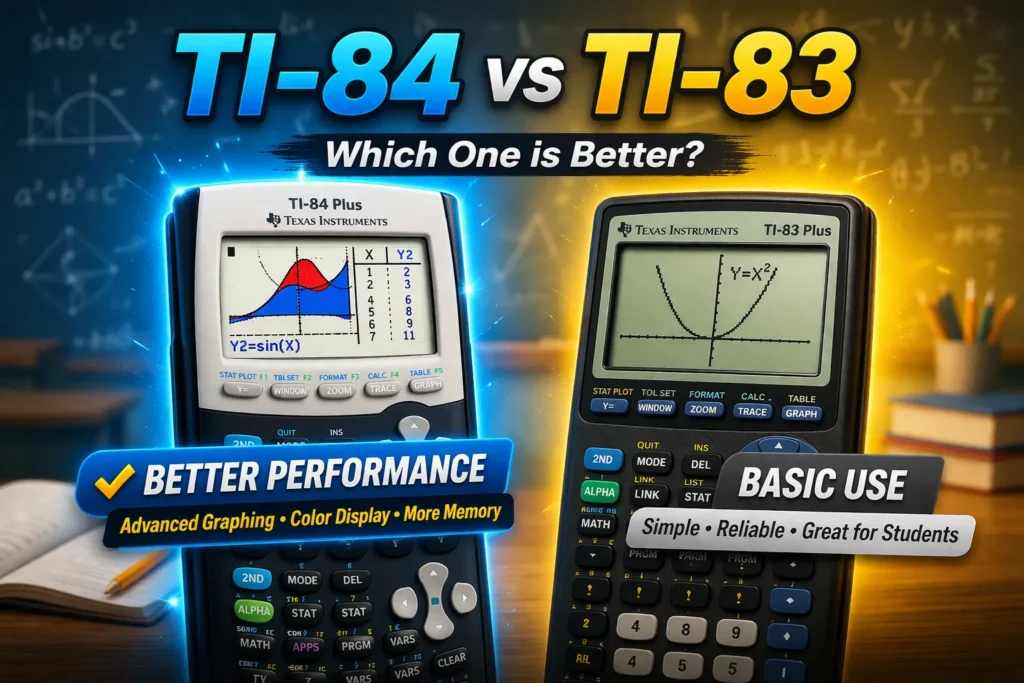
What Are TI-84 and TI-83 Calculators?
Both models are graphing calculators made for math and science. Texas Instruments describes the TI-83 calculator as an easy-to-use graphing calculator that lets students graph and compare functions, and also handle data plotting and analysis. TI describes the TI-84 Plus CE as a graphing calculator for middle school through college with more memory and more speed than the TI-84 Plus.
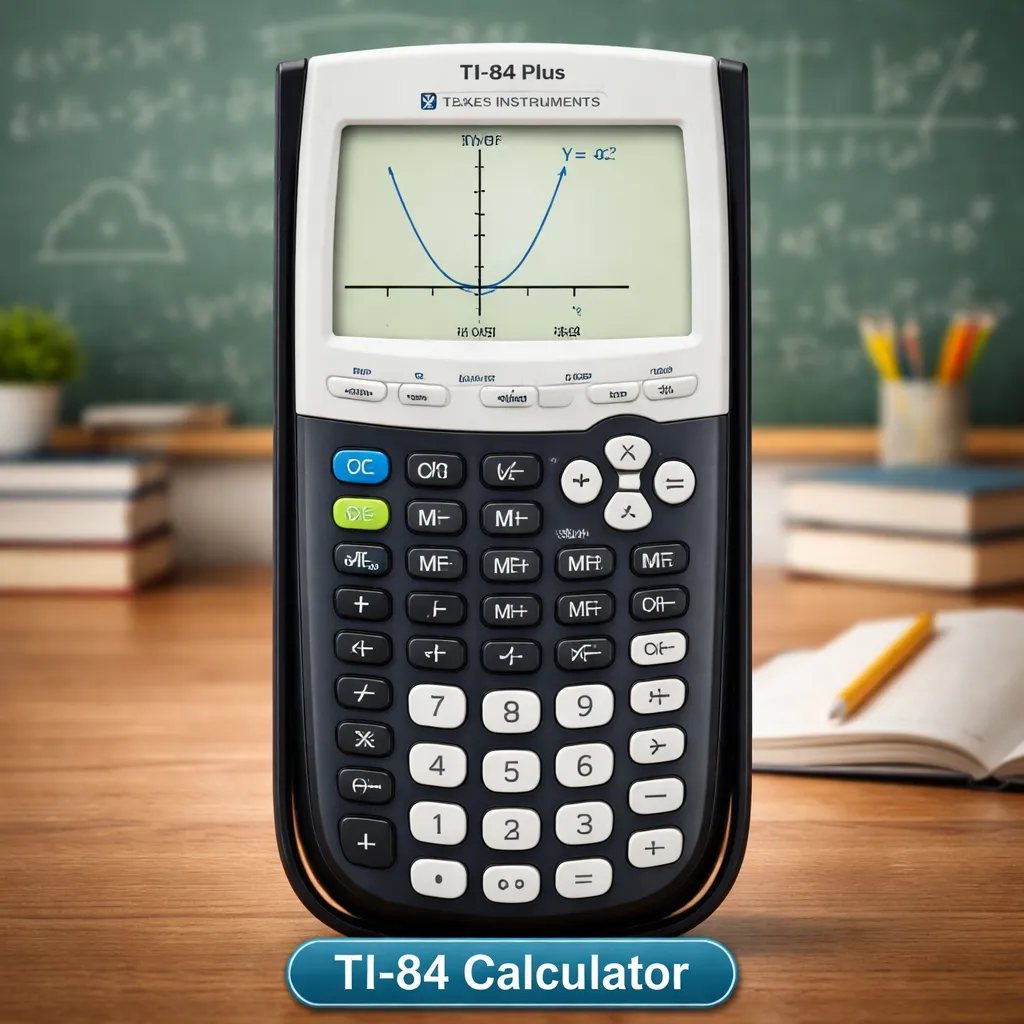
TI-84 calculator in simple words
In simple terms, a TI-84 calculator is the newer path in this comparison. The TI-84 family gives students graphing tools, classroom-friendly math entry, and, in the CE version, a full-color backlit screen, rechargeable battery, and MathPrint for textbook-style entry.
That makes it a good fit for students who want something that feels more modern. It also helps when you work with graphs often, because the screen is easier to read on the CE model.
TI-83 calculator in simple words
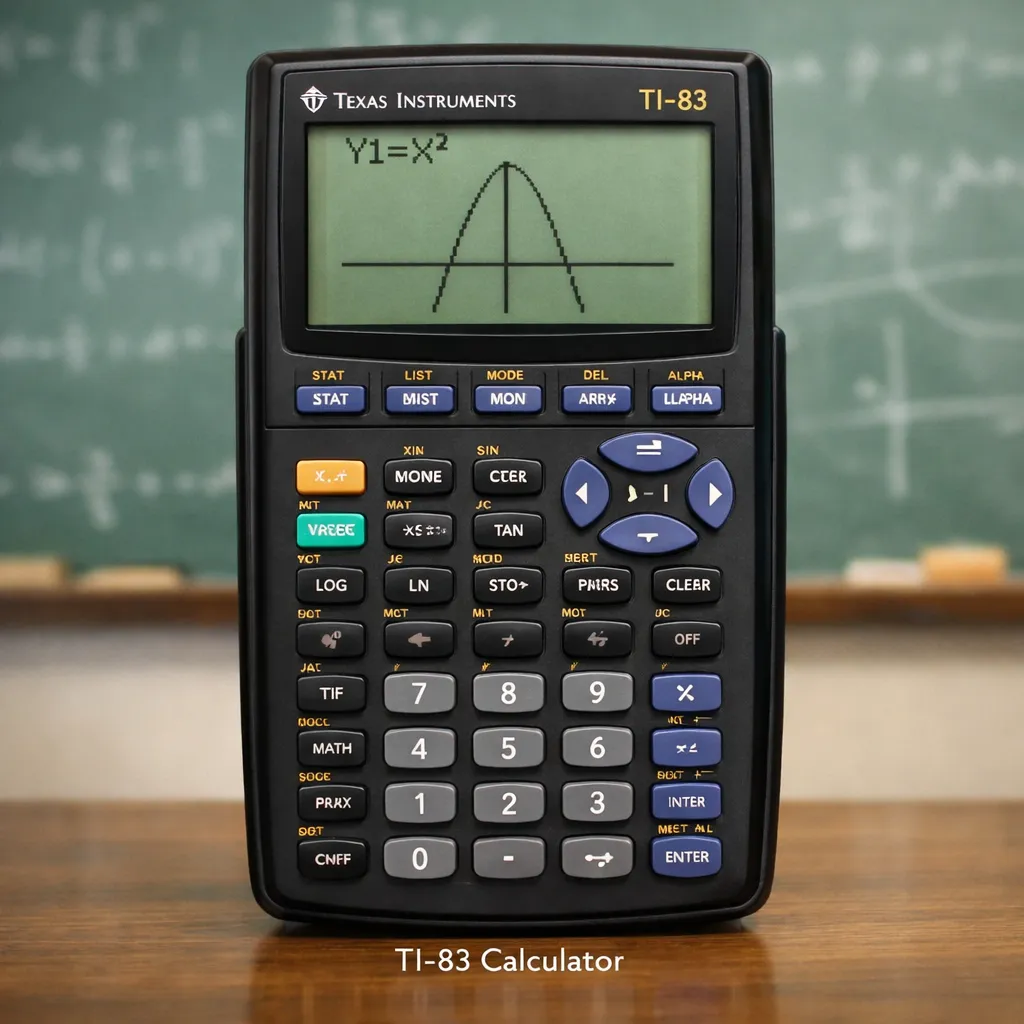
The TI-83 calculator is older, simpler, and still very capable for many school tasks. TI says it supports graphing, function comparison, data plotting, analysis, and comes with preloaded apps. It is also still listed by TI for major school exams.
So this is not a weak calculator. It is more accurate to call it an older tool that still covers a lot of classroom math. For students who only need the basics of graphing and standard school work, it can still do the job.
Why students compare these two calculators
Students compare them because they are close in purpose but not equal in experience. The TI comparison chart shows that the TI-84 Plus line has more user-available memory than the TI-83 Plus, and TI highlights extra comfort and visual upgrades on the TI-84 Plus CE. That means the choice is often about value, not just function.
A lot of students also want one calculator that will last for several school years. In that case, a model with more speed, more memory, and a clearer screen can be the better long-term pick.
TI-84 vs TI-83 Calculator: Main Differences at a Glance
The biggest difference is that the TI-83 Plus is the older model, while the TI-84 family is the newer one. TI’s own comparison chart lists the TI-83 Plus with 160KB ROM and 24KB RAM, while the TI-84 Plus is listed with 480KB ROM and 24KB RAM. TI also says the TI-84 Plus CE offers more speed and more memory than the TI-84 Plus.
So even before you get into daily use, the newer model line has a clear edge in power and room for more work. That matters more as your classes get harder.
Screen and display
The TI-83 calculator has a basic monochrome display. The TI-84 Plus CE, by contrast, has a vibrant backlit color screen, and TI says this helps students see equations, data, and graphs more clearly.
For a beginner, this may sound like a small detail. In practice, it changes the feel of the calculator. A clearer screen can make graph reading less tiring, especially when you study for longer periods. That is one reason many students lean toward the newer model.
Speed and performance
TI says the TI-84 Plus CE gives more speed than the TI-84 Plus, and the TI-84 line already sits above the TI-83 Plus in memory on TI’s comparison chart. That points to a more responsive experience on the newer side of this comparison.
For students, speed matters most when moving through menus, graphing more than one line, or doing longer work in class. A faster calculator does not make you smarter, but it can make your work feel less slow and less frustrating. That is a real benefit during homework and tests.
Memory and storage
The TI chart gives the TI-83 Plus 160KB ROM and 24KB RAM, while the TI-84 Plus has 480KB ROM and 24KB RAM. That means the TI-84 side gives more room for apps and stored work.
For many beginners, this will not matter on day one. But it matters more over time. If you want one device for several math classes, extra memory is a quiet advantage.
Design and button layout
The older TI-83 Plus and the TI-84 family are close enough that many students can move between them without starting from zero. TI even notes compatibility between the TI-83 Plus and TI-84 Plus / TI-84 Plus Silver Edition models. At the same time, TI says the TI-84 Plus CE is slimmer and lighter than earlier TI-84 Plus models.
That means the learning curve is not huge between them, but the TI-84 side feels more updated. For some students, that makes daily use easier.
TI-84 vs TI-83 Calculator Features Explained
Now let’s move from basic specs to real student use. This is where the choice becomes more practical.
Graphing features
Both calculators are built for graphing. TI says the TI-83 Plus can graph and compare functions, while the TI-84 Plus CE adds visual help like color-coded graphs and values, split-screen mode, and the ability to view equations, graphs, and tables in a more connected way.
For a student in algebra or precalculus, that extra visual help can make a real difference. It is easier to track what is happening when the calculator shows more clearly what each graph is doing.
Algebra and equation use
The TI-84 Plus CE includes MathPrint, which TI says lets students enter expressions, symbols, and fractions the way they appear on assignments and exams. That makes equation entry feel more natural for many students.
The TI-83 Plus still handles school algebra well, but the newer display style on the TI-84 side can reduce confusion for first-time users. It feels closer to the way math is printed in class books.
Table and function support
Both models support graphing work and function-based learning. TI says the TI-83 Plus handles graphing and comparing functions and data analysis, while the TI-84 Plus CE adds split-screen viewing so students can connect equations, tables, and graphs more easily.
This matters when your teacher asks you to move between a function, a graph, and a value table. The newer model makes that process feel smoother.
Menu and navigation
The TI-83 Plus is often liked for being straightforward. It covers what many students need without adding too much. The TI-84 side adds more modern polish, and the CE model is made to be easier to read and easier to follow on screen.
So the choice here is simple. If you want basic and direct, TI-83 Plus still works. If you want clearer on-screen help and a more modern feel, the TI-84 line wins.
Which Calculator Is Easier for Beginners?
This is where many students get stuck. The cheapest option is not always the easiest one.
TI-84 for first-time users
The TI-84 calculator has an advantage for beginners because the CE version gives a color backlit display and MathPrint, both of which make the screen easier to understand. TI also says the CE model is built slimmer and lighter than older TI-84 Plus models.
That does not mean every beginner needs it. But if you feel nervous with graphs or long equations, the more readable display can make your first weeks easier.
TI-83 for simple classroom use
The TI-83 calculator is still easy to learn for standard class work. TI itself calls it easy to use for math and science, and it is still accepted on major exams.
This makes it a fair choice for a student who wants a simpler tool and does not care much about a color screen or newer extras. In basic algebra and graphing, it can still feel very usable.
Which one feels easier in daily study
For daily study, the TI-84 side usually feels easier because of the better screen experience and stronger visual tools. The TI-83 side feels simpler, but not always easier, because older display limits can make some tasks feel less clear.
A good way to think about it is this: TI-83 Plus is easier to accept, but TI-84 Plus CE is often easier to live with. That is my inference from TI’s official feature pages and comparison chart.
TI-84 vs TI-83 for School and Exam Use
When students ask which calculator is better for students, they usually mean one thing: which one will help me most in class and still be safe to use in exams? That is the right way to think about this choice.
Which one is better for high school students
For most high school students, the TI-84 calculator is the stronger choice. TI recommends the TI-84 Plus CE for a wide range of courses from Pre-Algebra to Calculus, Statistics, Biology, Chemistry, and Physics. The TI comparison chart also lists the TI-83 Plus and TI-84 line across many school courses, but the newer TI-84 side offers more speed and stronger visual help.
That makes the TI-84 line easier to keep for several years. A student can buy it for algebra and still use it later in harder classes.
Which one is better for math classes
Both models work for core math classes. TI lists the TI-83 Plus as a graphing tool for math and science, and the TI-84 line also appears across algebra, trigonometry, precalculus, calculus, and statistics on TI’s course chart.
The difference is not “can it do the class?” The difference is how comfortable the experience feels. For simple class needs, the TI-83 Plus is enough. For students who graph more, switch between tables and equations, or want a clearer screen, the TI-84 side is usually the better classroom partner.
Which calculator is more useful in exams
TI says the TI-83 Plus is approved for SAT, ACT, PSAT/NMSQT, AP, and the IB Diploma Programme. TI also says the TI-84 Plus CE is approved for PSAT/NMSQT, ACT, SAT, IB Diploma Programme, and AP course exams.
So on exam approval, both are strong. The better choice depends more on what you are already used to. In an exam, comfort matters. A calculator you know well is often better than a newer one you barely practiced with. That last point is an inference, but it is a sensible one for test day.
TI-84 vs TI-83 for School and Exam Use
When students ask which calculator is better for students, they usually care about school and exams.
For most high school students, the TI-84 calculator is a better long-term choice. It works well in algebra, trigonometry, and even higher-level math. You can use it for many years without needing to upgrade.
The TI-83 calculator also works fine for basic classes. If your work is simple, it can still handle most school tasks without problems.
When it comes to exams, both calculators are allowed in many tests. So the real difference is not permission. It is comfort. The calculator you understand better will help you more during exams.
TI-84 vs TI-83 Calculator: Pros and Cons
Before choosing, it helps to look at both sides. This makes the decision easier for students.
Pros and Cons Table
| Calculator | Pros | Cons |
| TI-84 | Faster performance, better screen, more memory, easier for long-term use, stronger for graphing and advanced math | Higher price, may feel complex at first, buying a physical device can be expensive |
| TI-83 | Lower cost, simple for beginners, good for basic math and graphing, still useful for school and exams | Older model, slower speed, fewer features, not ideal for advanced use |
Important Note for Students
One more thing to think about is this: you may not need to buy a calculator right away.
If your goal is practice, homework, or learning how to use a graphing calculator, an online calculator can be enough. It helps you learn without spending money first.
TI-84 vs TI-83 Calculator Price and Value
Price is a big factor for many students.
The TI-84 calculator is more expensive. But it gives better value if you plan to use it for many years. You get more features, better speed, and a clearer screen.
The TI-83 calculator is cheaper. That makes it a good choice for students on a tight budget. If your needs are simple, it can still do the job.
Smart Tip for Students
Before buying, ask yourself this:
Do you really need a physical calculator right now?
If you only want to:
- practice math
- learn graphing
- solve homework
then an online calculator can be a smart option. It saves money and still helps you learn.
Do You Really Need to Buy a TI-83 or TI-84 Calculator?
Not always.
Some students think they must buy a calculator right away. But that is not true for everyone.
If you are just starting, you can use an online calculator to:
- understand buttons
- practice equations
- learn graphing
A physical calculator becomes important when:
- your school requires it
- you need it for exams
- you want one device for daily class use
So it is okay to start online and decide later.
Which Calculator Should You Choose?
Now let’s make it simple.
Best choice for beginners
For most beginners, the TI-84 calculator is the better option. It is easier to read, easier to understand, and more helpful for learning.
But if your budget is low, the TI-83 calculator is still a good starting point.
Best choice for advanced students
If you are planning to study higher math, go with TI-84. It gives you more tools, better performance, and will last longer in your studies.
Best choice for long-term use
If you want one calculator for many years, choose TI-84. It is a safer investment for students who want something reliable for the long run.
TI-84 vs TI-83 Calculator FAQs
Can students still use TI-83 today?
Yes. It still works for many school tasks and is accepted in exams. But it is older and more limited.
Which calculator is easier to use?
The TI-83 is simple. But the TI-84 is easier to understand in the long run because of its better screen and features.
Which one should I buy for school?
If you can afford it, choose TI-84.
If you want a cheaper option, TI-83 is still okay.
Is TI-84 better than TI-83?
For most students, yes. The TI-84 side gives more memory, and the TI-84 Plus CE adds a color backlit display, rechargeable battery, and MathPrint.
Can students still use TI-83 today?
Yes. TI still lists the TI-83 Plus on its site, and it is still accepted on major exams such as SAT, ACT, PSAT/NMSQT, AP, and IB.
Which calculator is easier to use?
The TI-83 Plus is simple, but the TI-84 Plus CE is often easier to read and easier to follow because of its better display and MathPrint support.
Which one should I buy for school?
Buy TI-84 if you want the stronger long-term choice. Buy TI-83 if money is the main issue and your school needs are basic. That recommendation is based on TI’s official feature pages plus current market pricing patterns.
Final Thoughts
The best answer to TI-84 vs TI-83 Calculator depends on what kind of student you are. If you want the better long-term tool, better screen experience, and a calculator that feels more modern in class, pick the TI-84 calculator. If you want a lower-cost option that still covers core graphing and exam use, the TI-83 calculator is still a fair choice.
My simple recommendation is this: most students should buy TI-84 if their budget allows it. It is the safer and more future-ready choice. Students on a tight budget can still choose TI-83 Plus and do well, but they should know they are picking the older path.
For a related guide, a smart next step would be reading a beginner tutorial on how to use a TI-84 for the first time. That kind of guide can help you feel comfortable before class even starts.